8 min read · Oct 2026
Ready-Made or Custom CRM and ERP? Evaluate the Fit First
Choosing packaged software or custom development begins with the processes it must support, not a feature list or technical preference. Compare fit, integration, control of data and the cost of change while keeping ongoing operations part of the decision from the beginning.
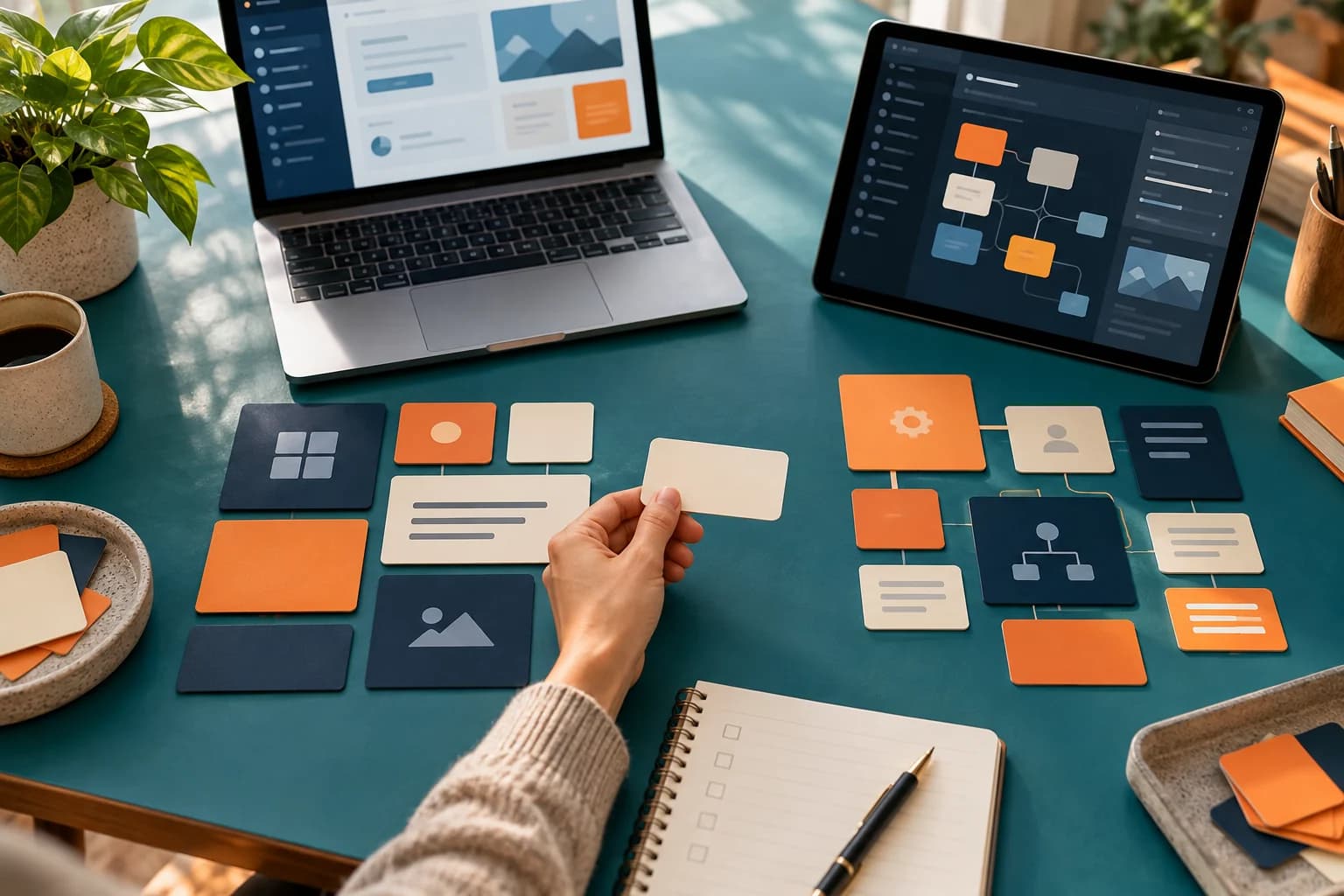
Packaged software may appear faster, while custom development may seem more flexible. Compare operating scenarios and responsibilities after launch. Consider an illustrative multi-branch company organizing customers, orders and inventory, without assuming every requirement belongs in one system.
01-Test process fit rather than feature labels
Microsoft's implementation guidance recommends assessing standard functionality before identifying gaps that may need customization or extensions. Apply that sequence to a concrete journey, such as a sales opportunity becoming an order requiring another branch's stock. Request a demonstration with test data. Classify each step as supported, configurable, requiring development or needing a process change. A feature name in a sales presentation does not establish fit.
02-Separate distinctive needs from inherited habits
GDS guidance recognizes that buying and building can be combined, depending on needs and organizational capability. Standard customer tracking might work in our example while allocation between branches requires specific logic. Ask what value the difference creates, who uses it and whether the process could be simplified. Record the reason for each exception. Compare configuring a product, adding a limited component and building a custom part without automatically rebuilding everything.
03-Test integrations before depending on them
Map data moving between customers, orders and inventory, identifying the authoritative system for each item. Test normal operation and a delay or interruption. Establish how failed messages are detected and handled without creating duplicate orders. Verify that required interfaces and usage allowances are included in the actual offer, and identify who maintains connections after upgrades. Prove essential data paths during evaluation rather than postponing them until after selection.
04-Check data control and the exit route
GOV.UK's lock-in guidance connects open formats and standards with the ability to move data. Request an export covering required records, relationships and attachments, then inspect whether it works outside the system. Clarify data ownership, permissions, retention and handover arrangements in the proposed agreement. With custom development, do not assume payment automatically grants all source-code rights or hosting accounts. Establish what you receive, in which formats and who can operate it if suppliers change.
05-Compare operations and future changes
Include configuration, migration, training and integration alongside support, upgrades, testing, backups and eventual transition effort. Document assumptions instead of inventing prices. Ask how another branch, changed permissions, revised reports or new processes would be handled. Assign each responsibility to the organization or supplier. A solution suited only to launch may become difficult to sustain when every small change needs attention nobody is available to manage.
Your next step
Gather evidence of fit, gaps, integration and data portability, then compare it with your ability to operate and change the solution. Buying, building or combining both can be reasonable when the reasoning remains explicit and reviewable.